
WindowMizer Home

Minimize In-place
Classic window-shading. Double-click a title bar to collapse. Double-click again to restore the window to its previous full-size height.
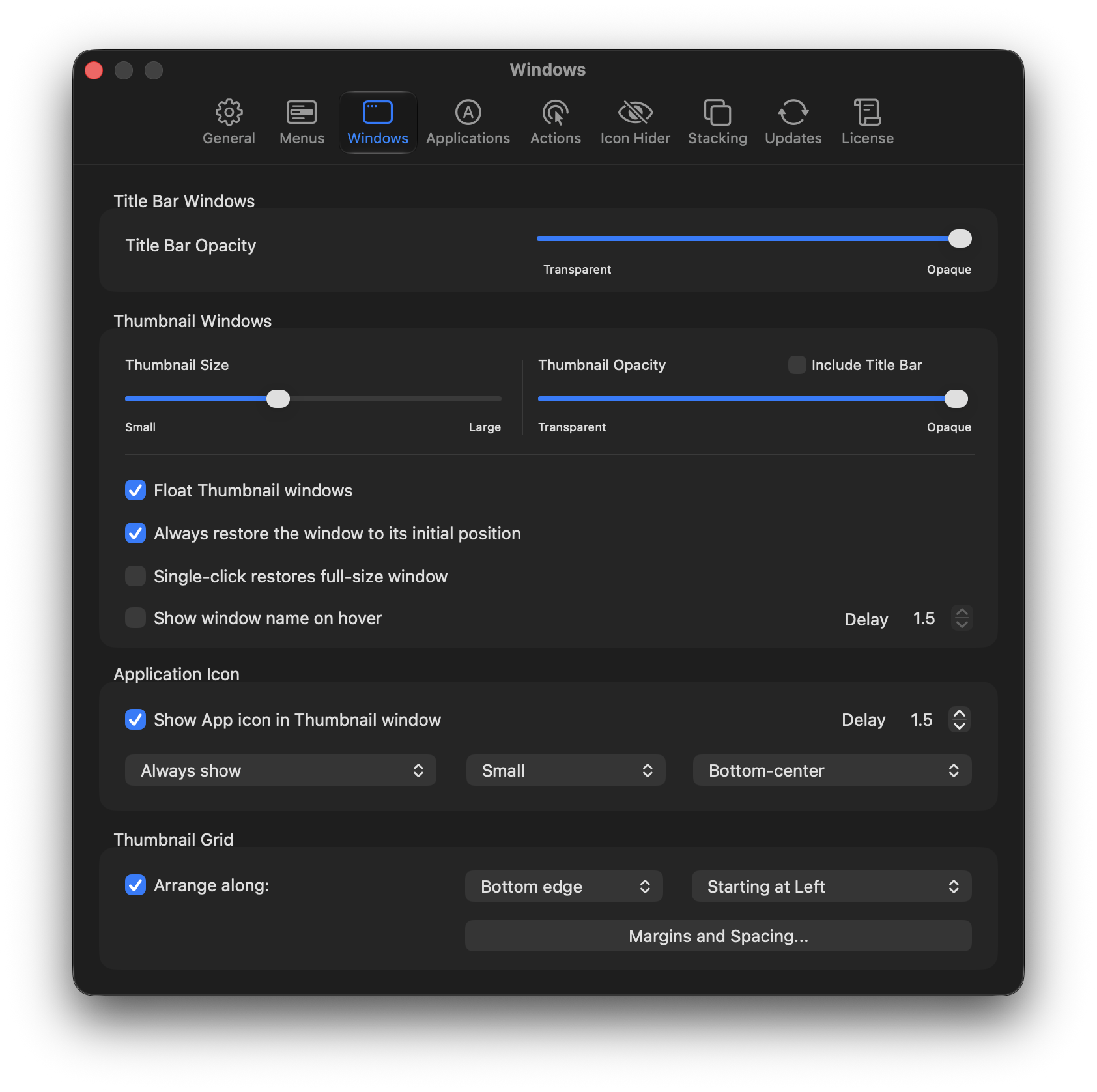
Thumbnail Windows
Create mini-windows – automatically aligned along any screen edge. Show the owning-application’s icon for quick identification.
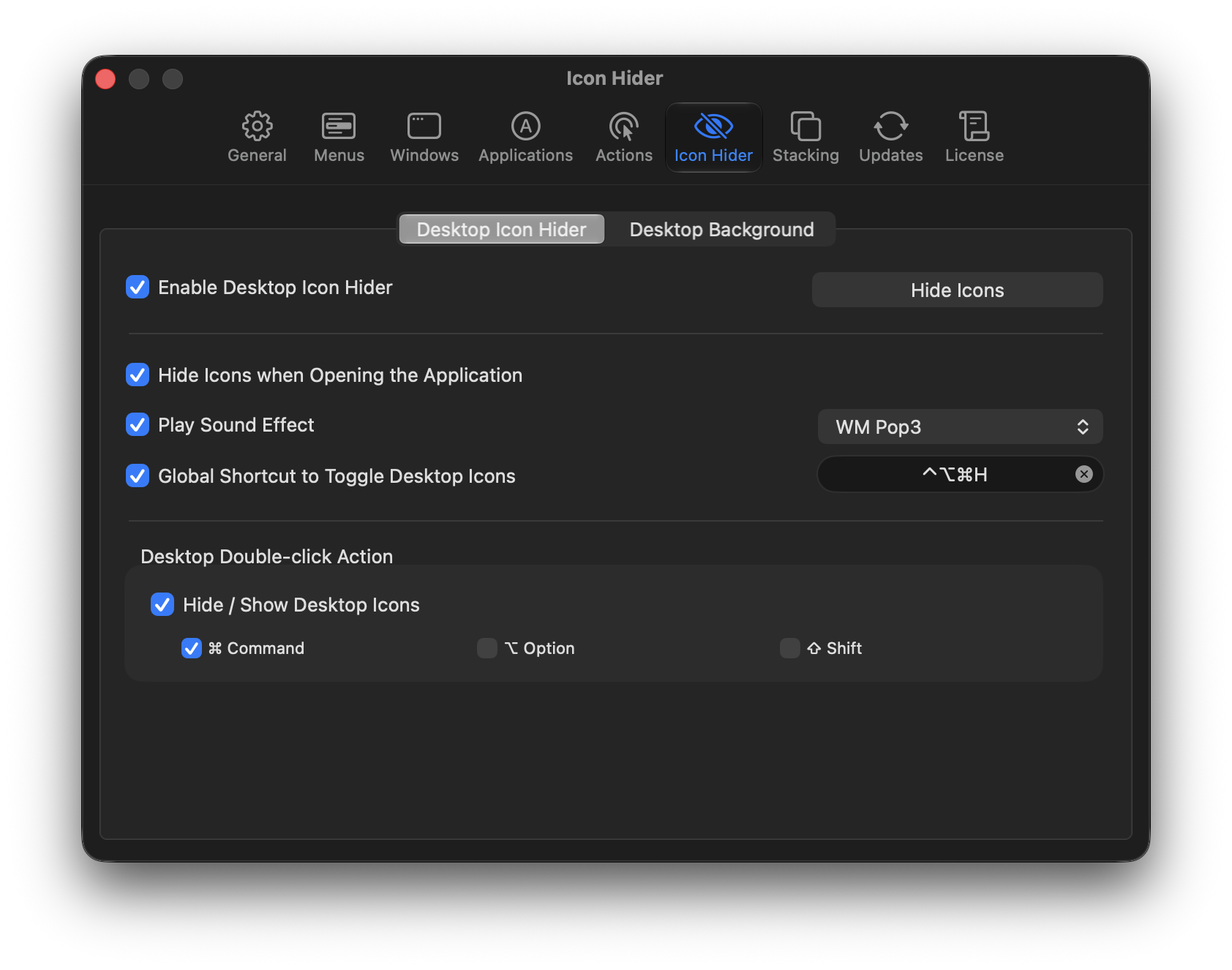
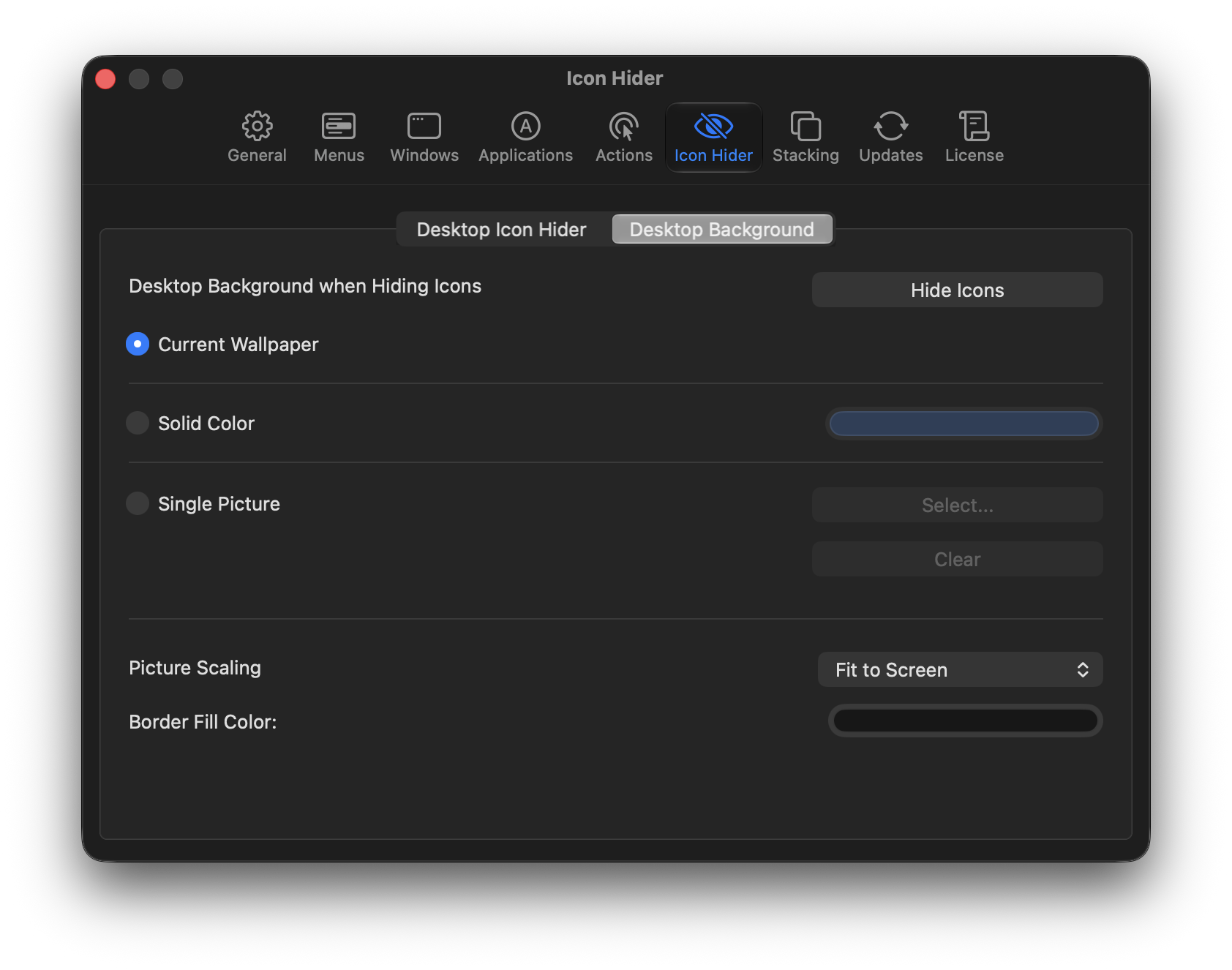
Desktop Icon Hider
New Feature!
Hide your desktop icons and display a solid color, your favorite photo, or your current wallpaper.
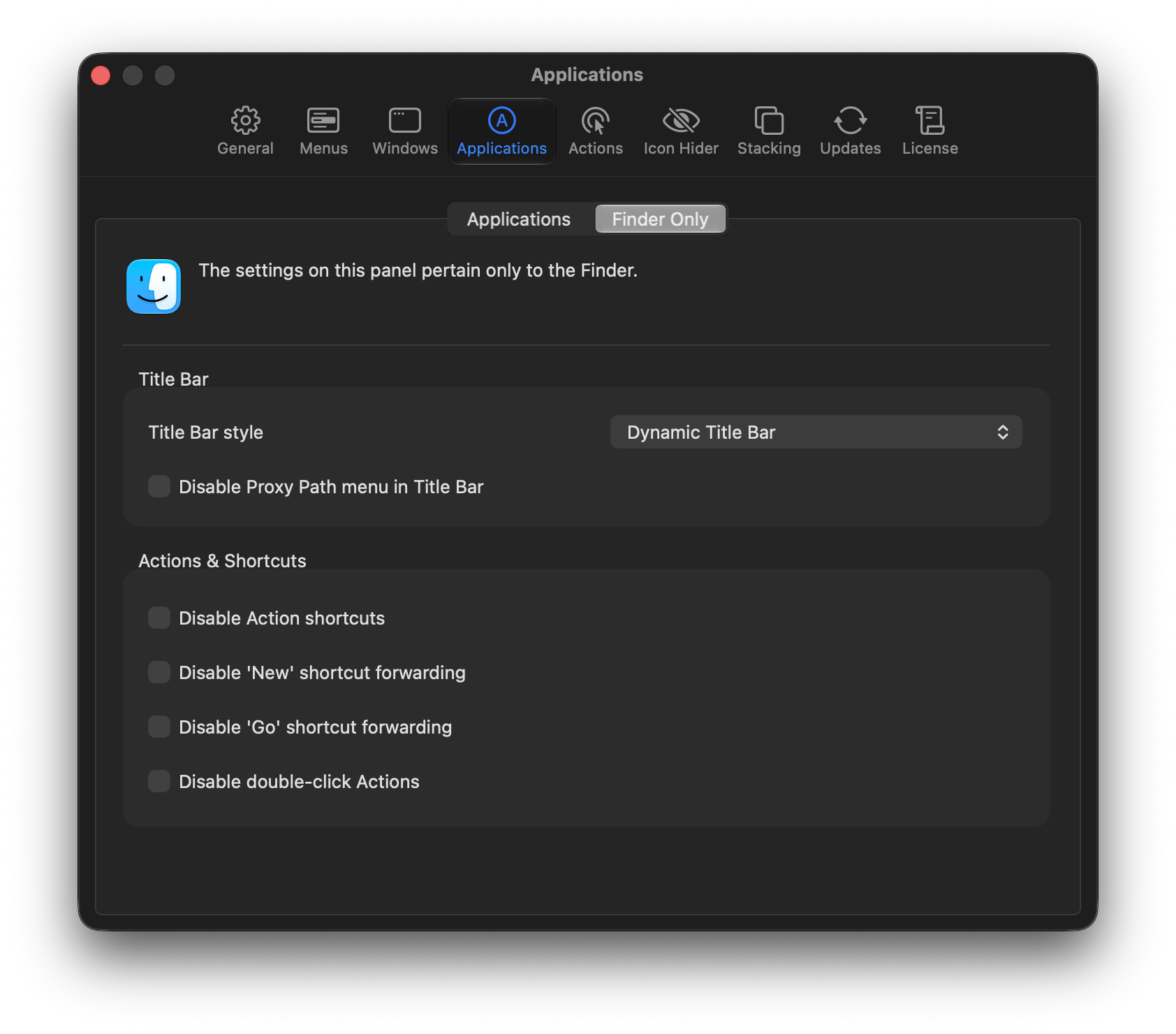
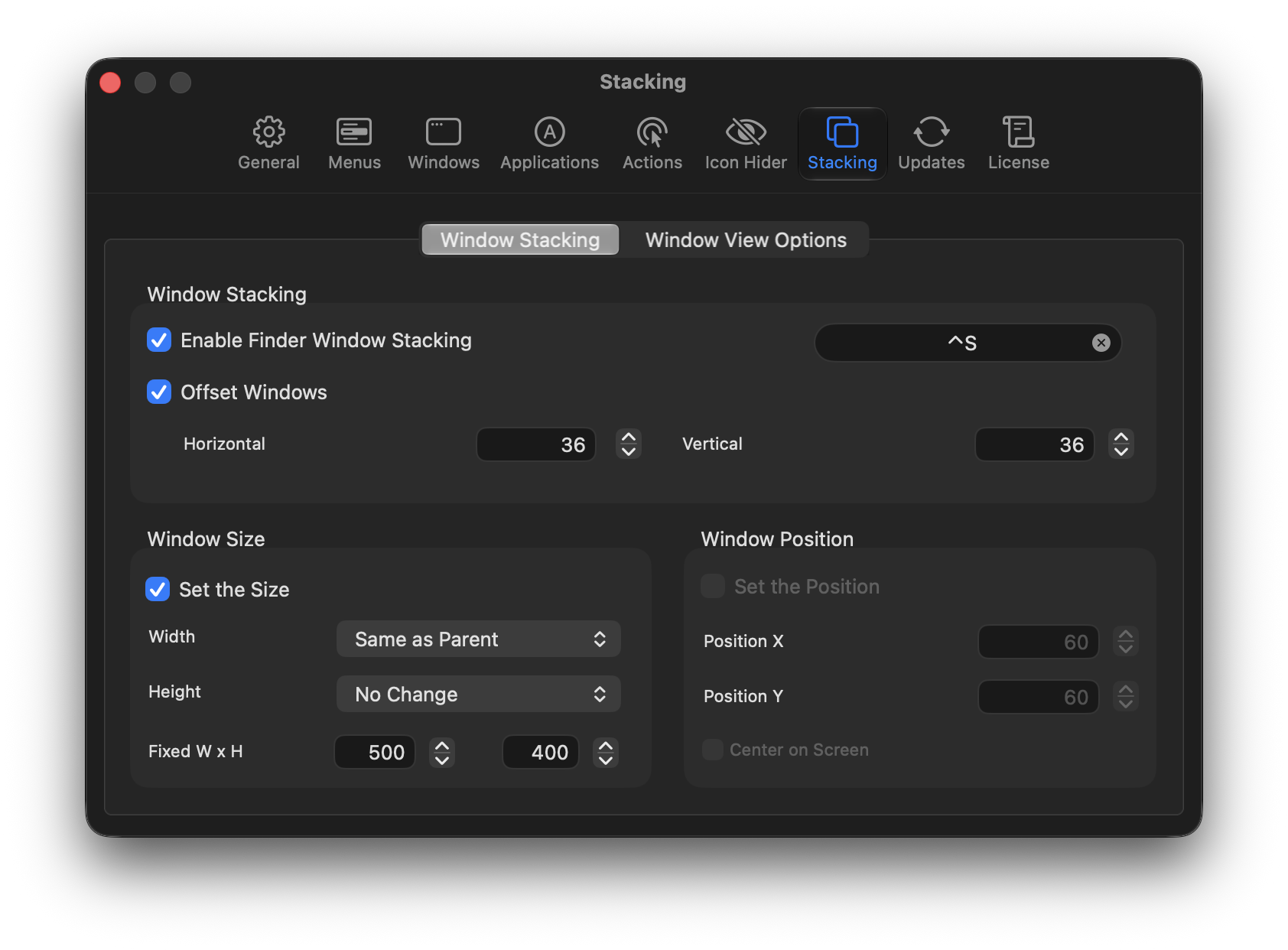
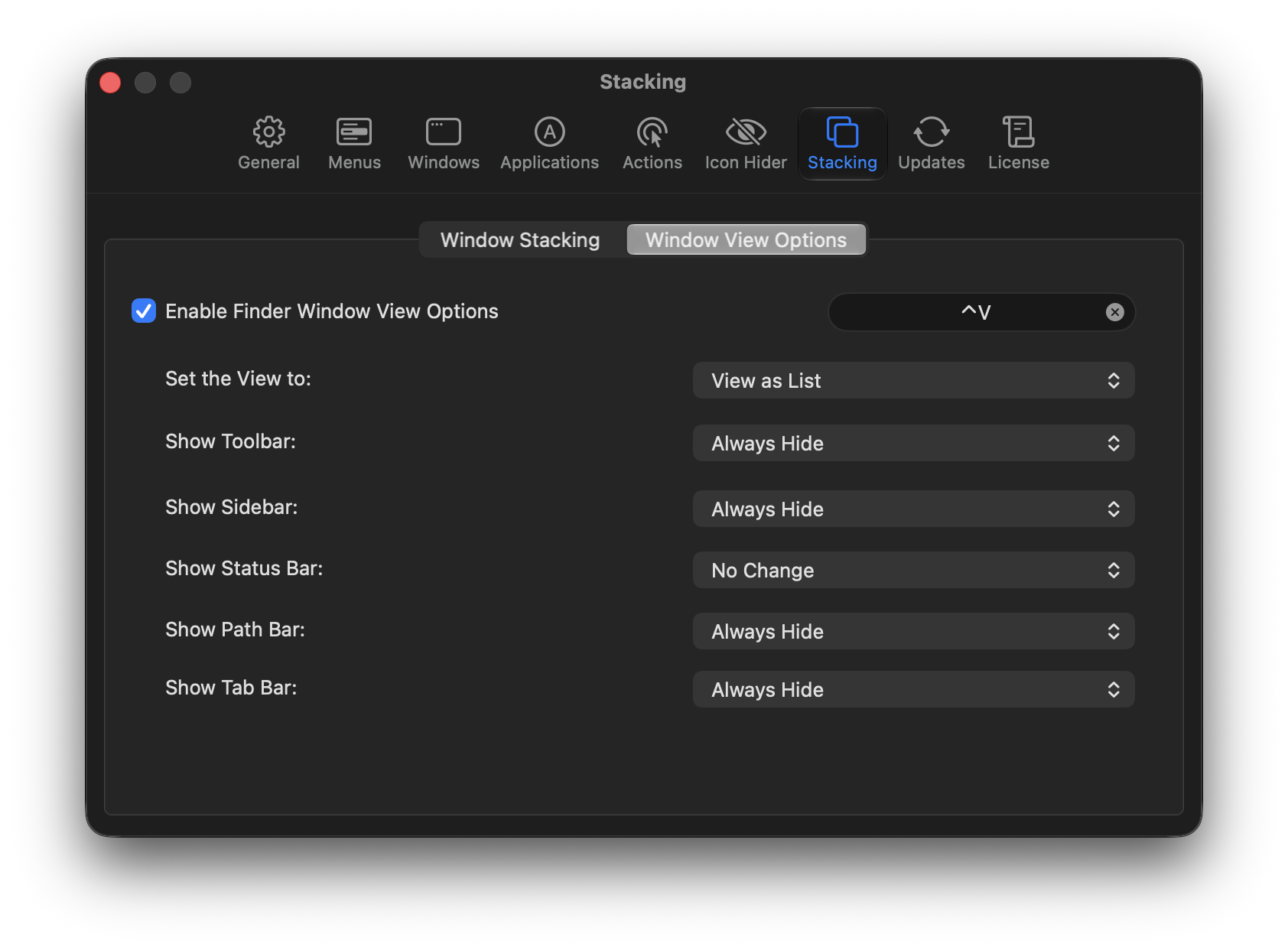
Finder Window Stacking
Experimental Feature
Automatically stack Finder windows. Set the width and height based on the size of the parent window.
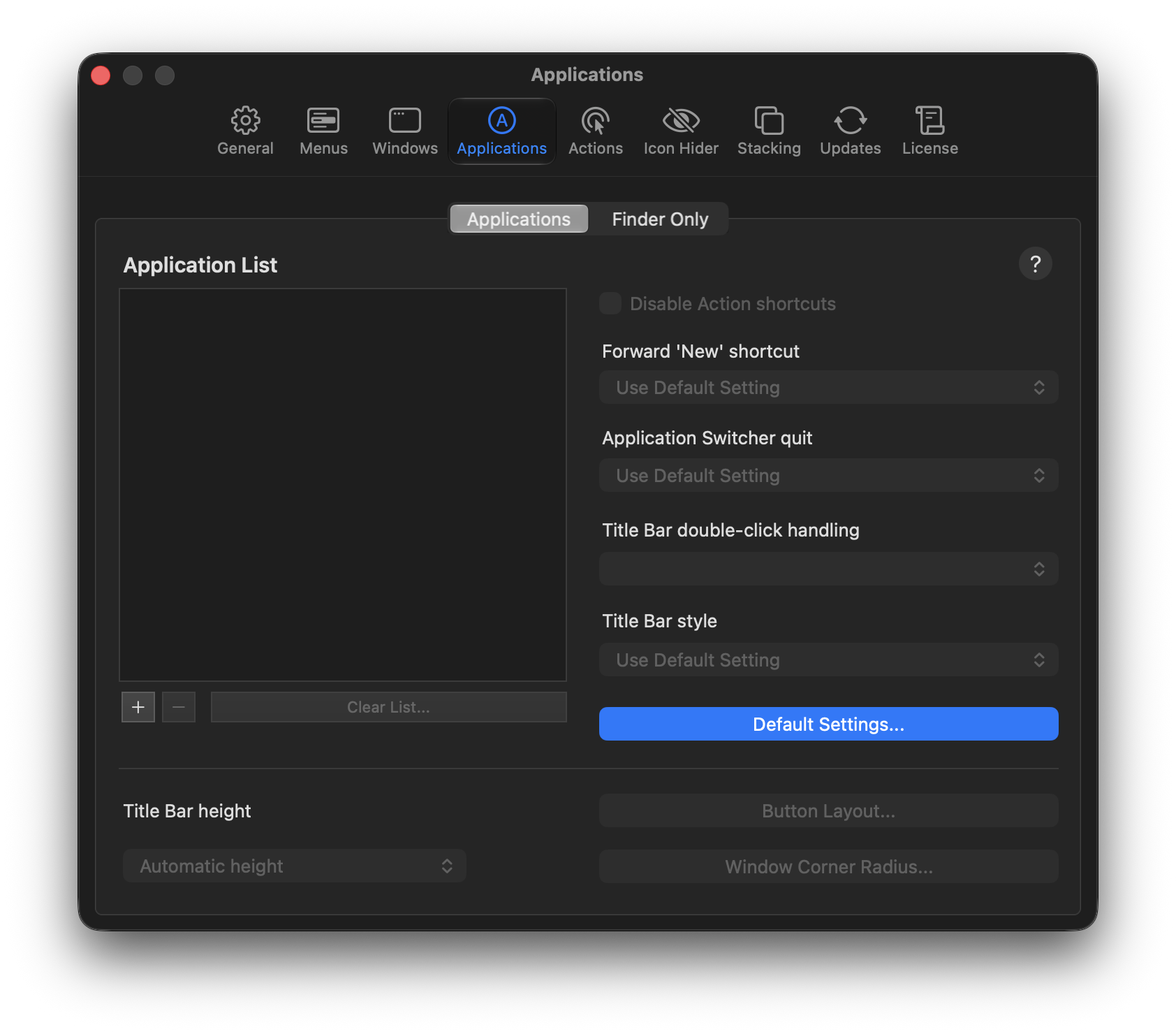
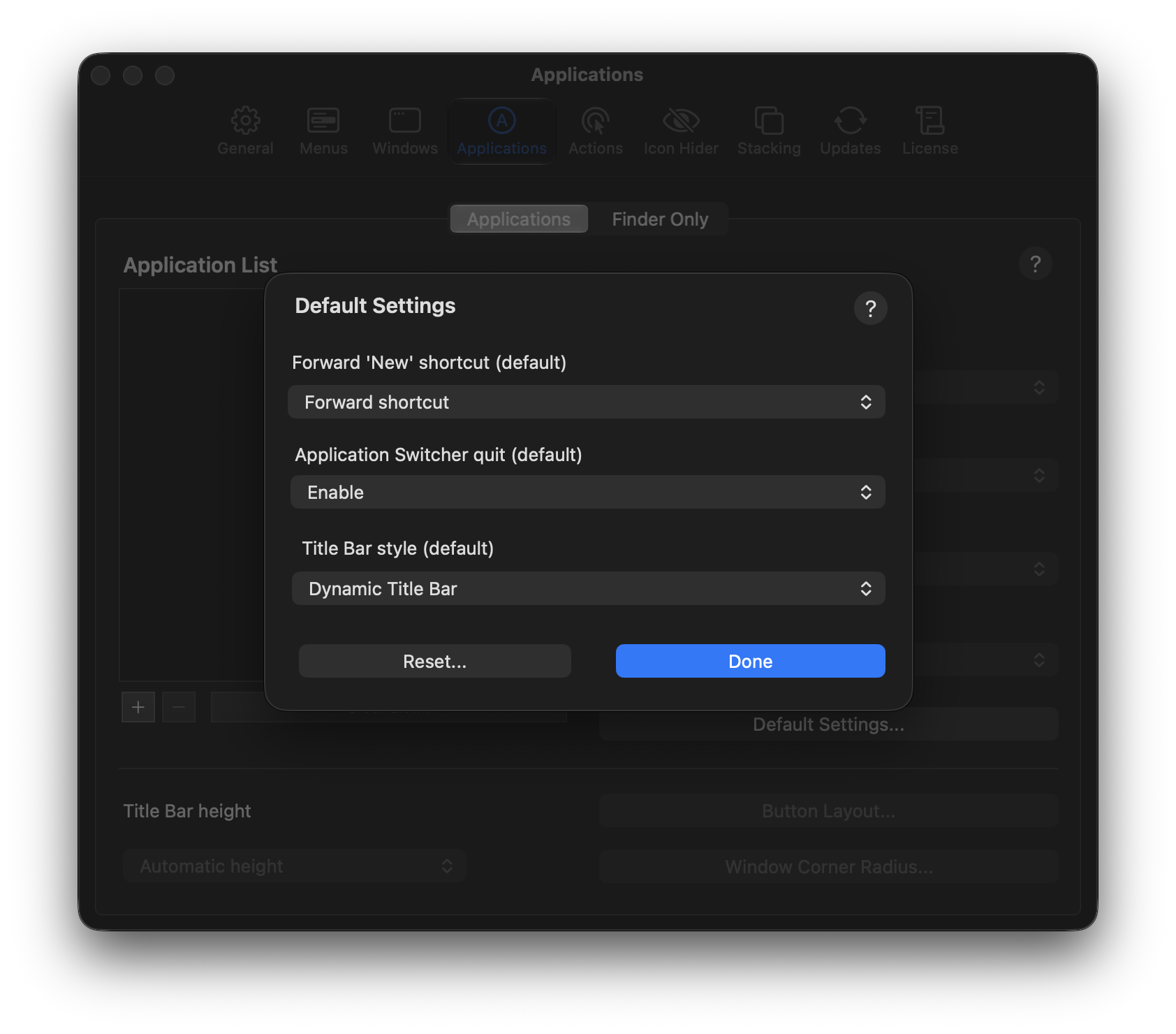
Custom Title Bar heights
Let WindowMizer automatically determine the height of the title bar. App-specific settings allow overriding with a specific height.
14-day Free Trial
Try WindowMizer for 14 days before committing to a purchase. Fully functional during the trial period.
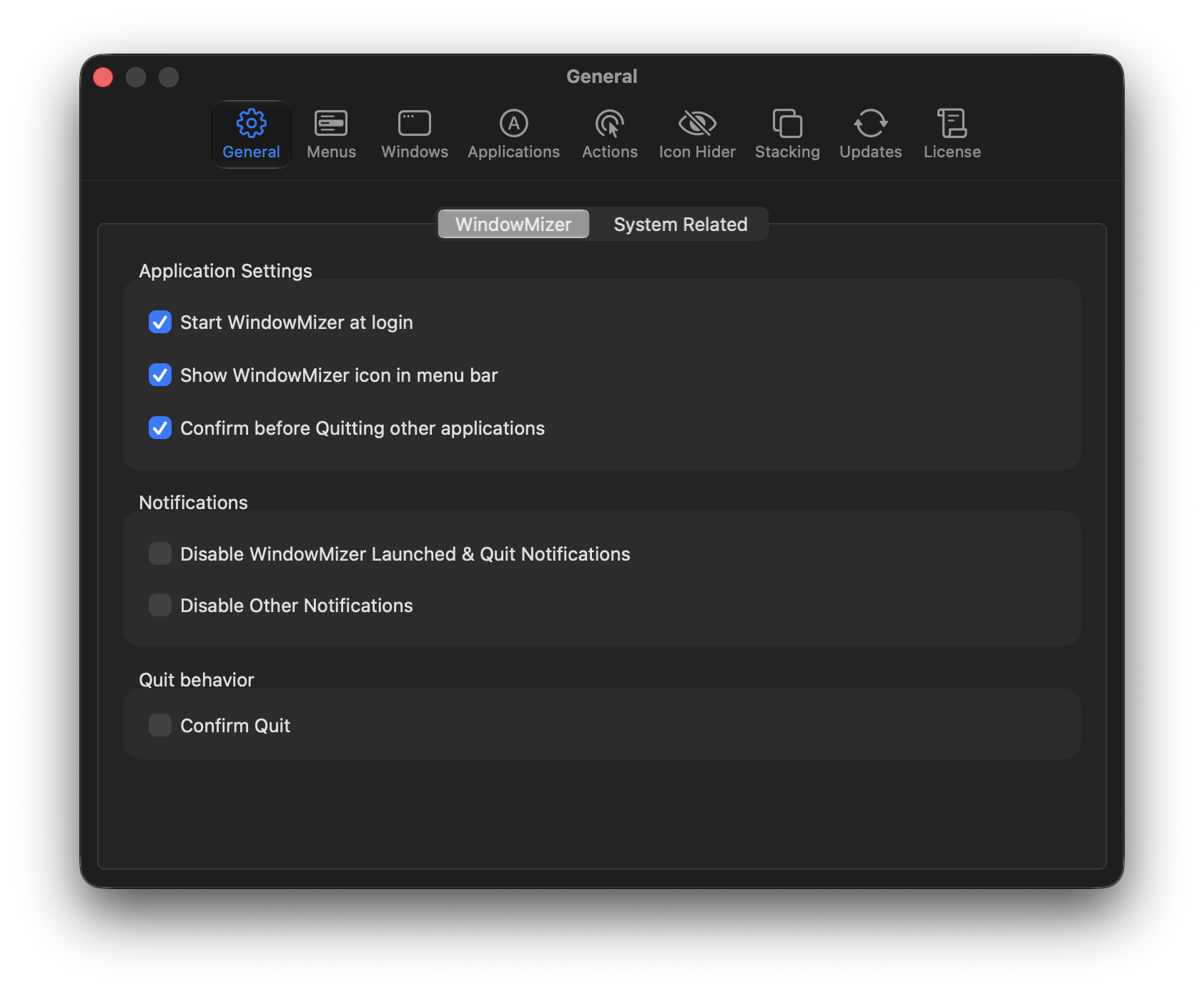
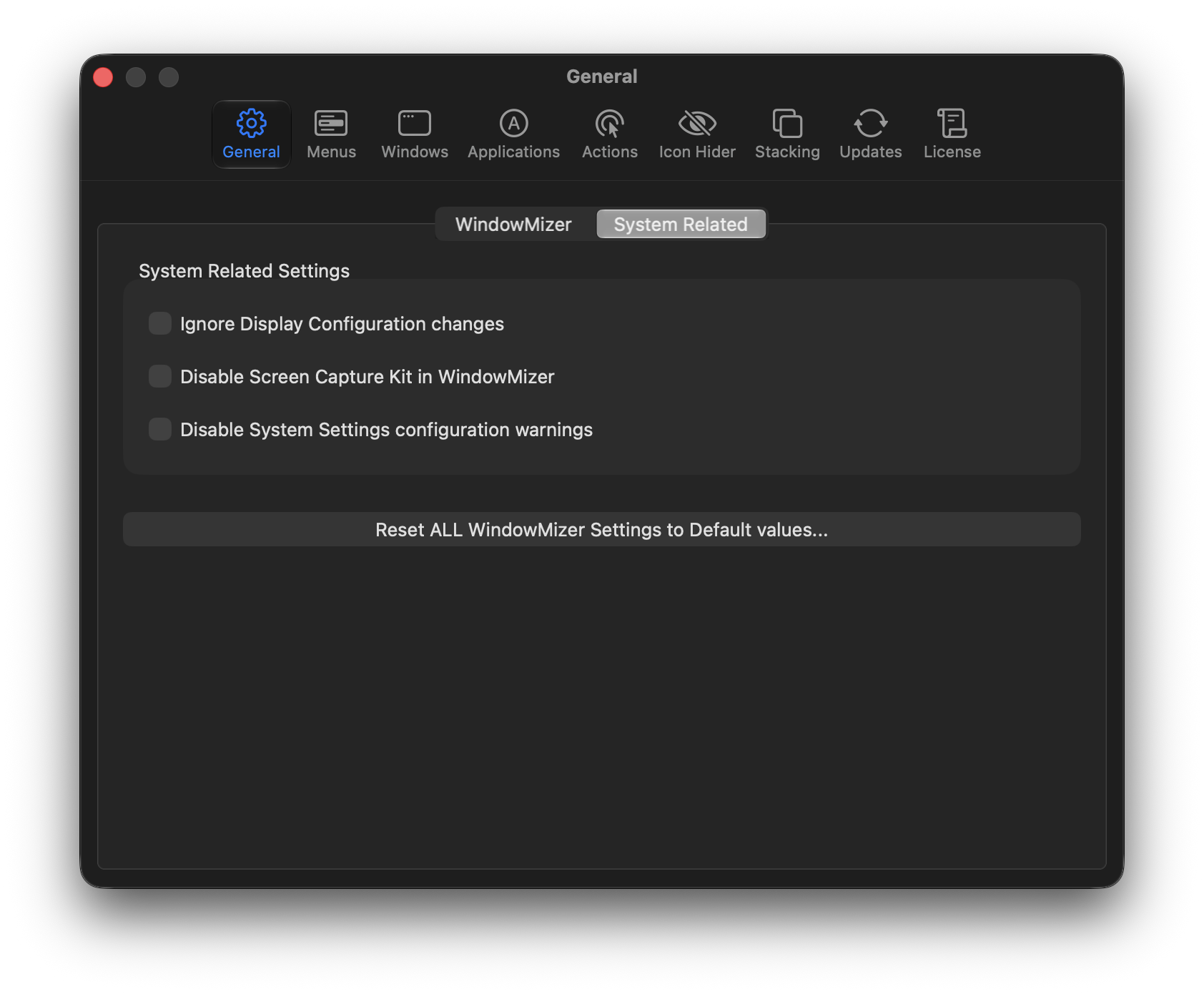
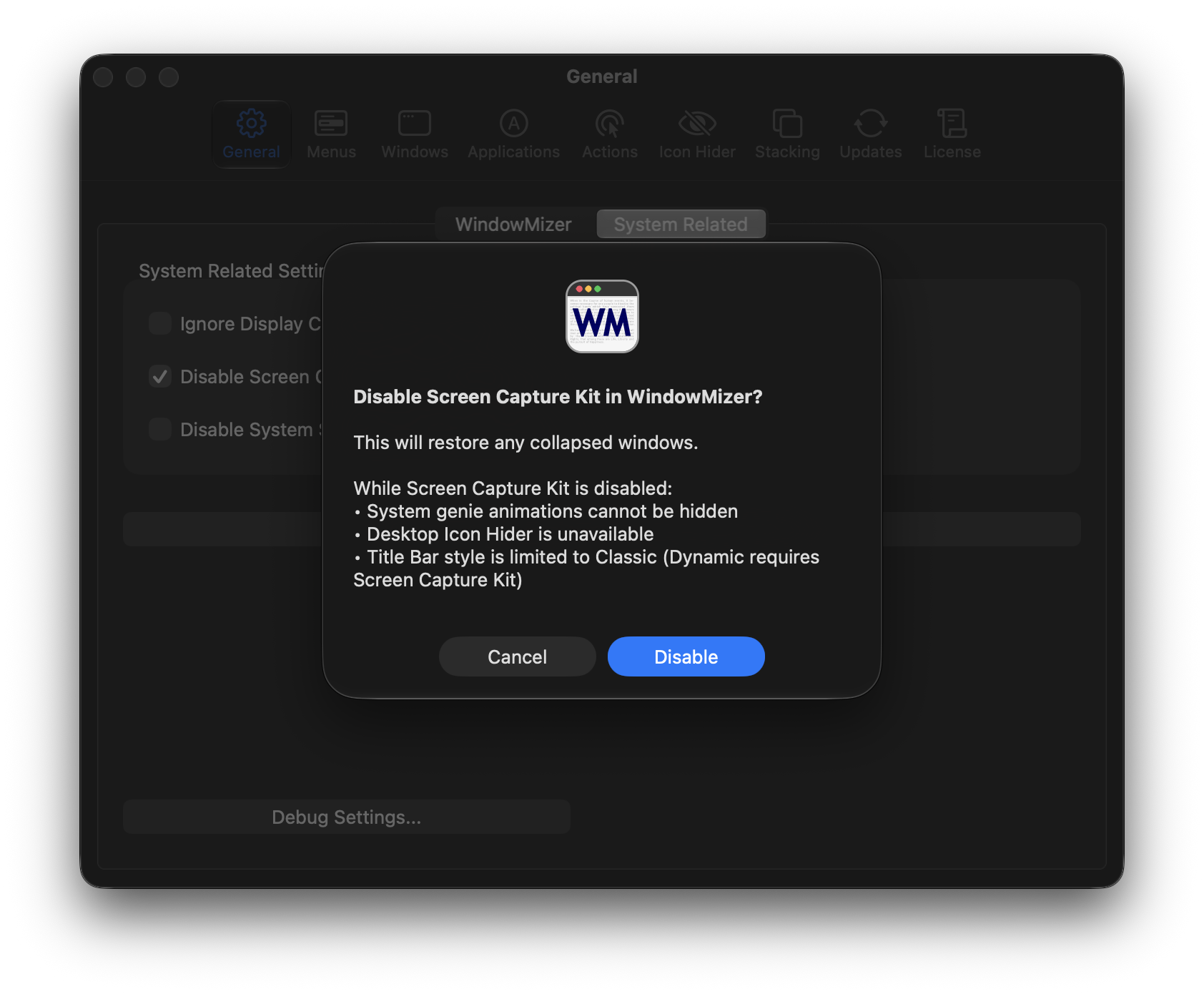
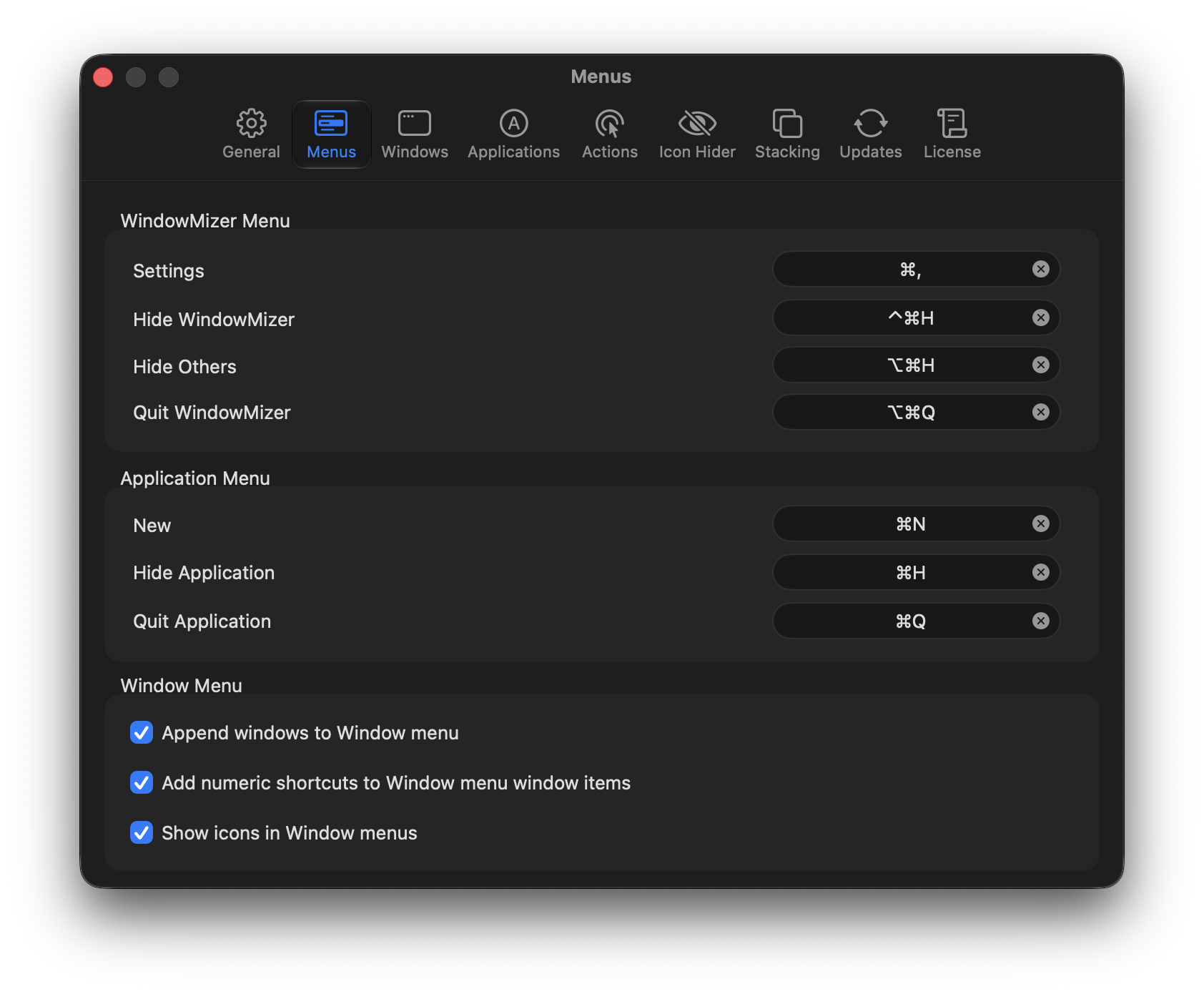
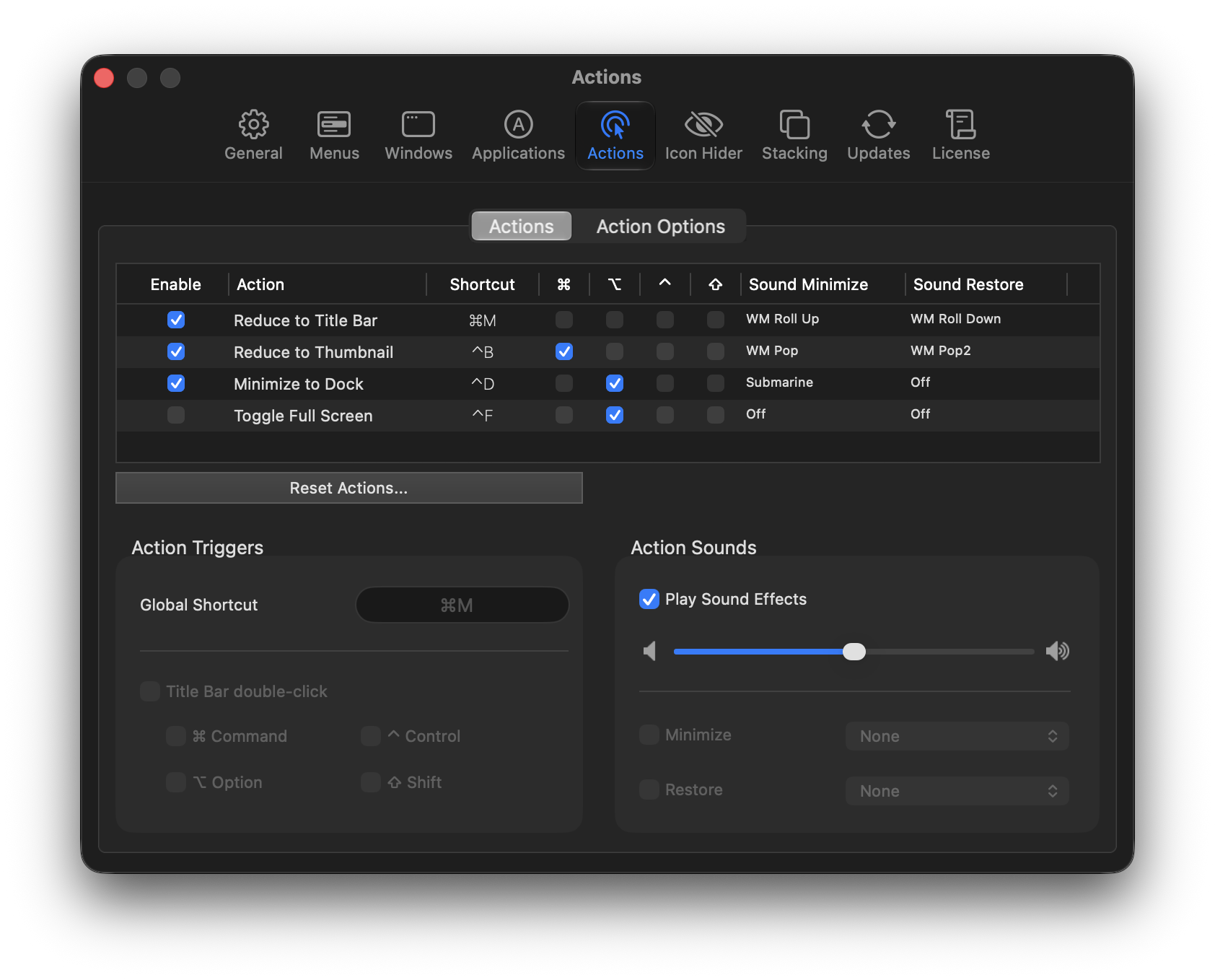
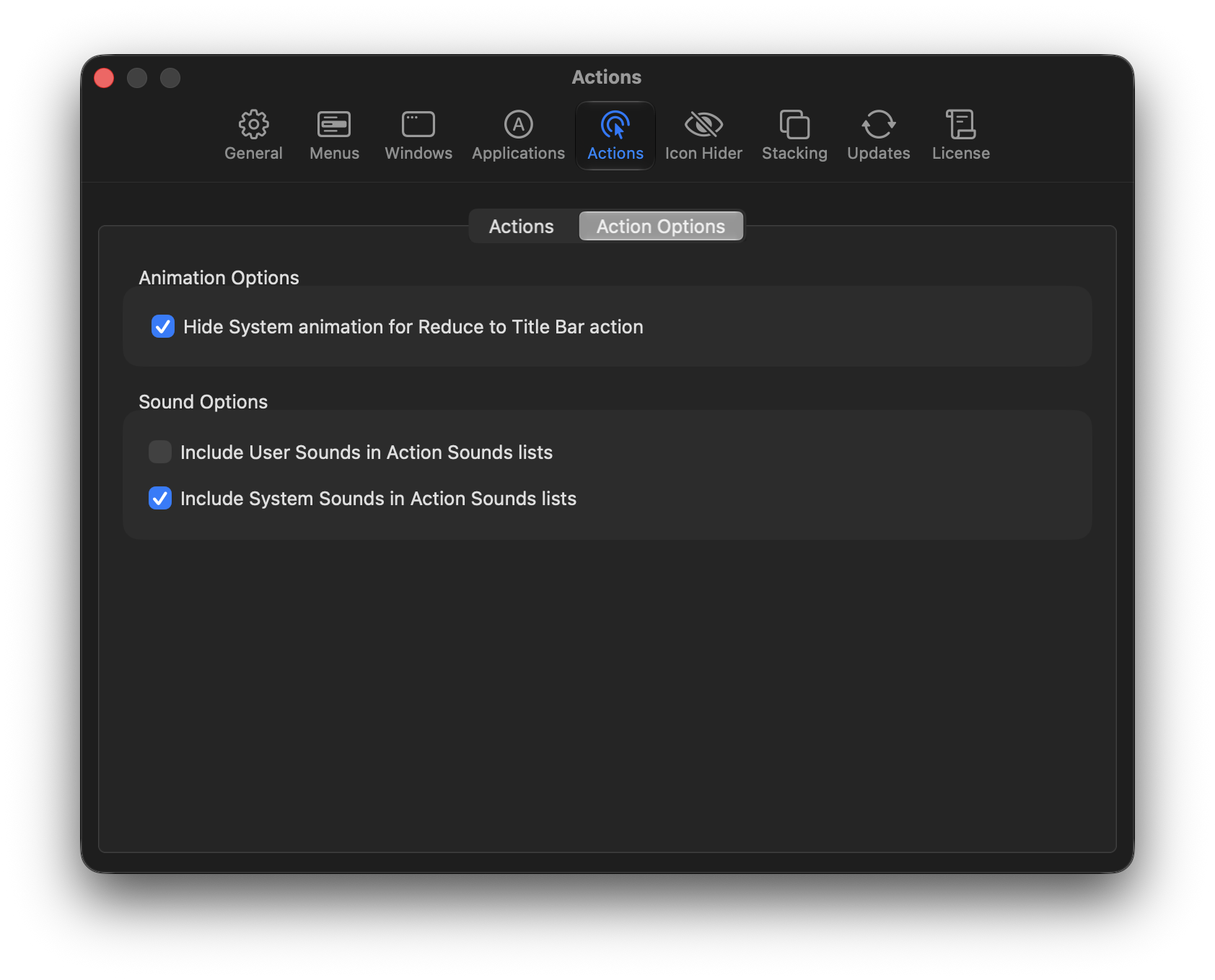
WindowMizer Settings
- Custom shortcuts
- Sound effects
- Window menu icons
- Title bar transparency
- Thumbnail window icons
- App-specific settings
- Desktop icon hiding
- Window stacking
- And more!
WindowMizer Feature Comparison
| FEATURES | WindowMizer 5 | WindowMizer 6 |
|---|---|---|
| Minimize In-place | ✓ | ✓ |
| Thumbnail Windows | ✓ | ✓ |
| Custom Title Bar Heights | ✕ | ✓ |
| Finder Window Stacking* | ✕ | ✓ |
| Desktop Icon Hider | ✕ | ✓ |
| Minimum macOS | macOS 10.12 | macOS Sequoia 15.3 |
| 14-Day Free Trial |
Customer Reviews
What our customers have said, going back to the beginning of time!
 Submitted 1.0

Subscribe to our Newsletter!
Receive occasional News and Tips about WindowMizer. Help promote WindowMizer by sharing on social media!
